A little paper balloon drifts upward. Later, you want to give it a different sky—and discover that the only thing you kept was a video called “final.” Which picture came first? Did the cloud move? What did the prompt actually ask for?
A small creative record can answer those questions. Keep the ingredients and the intention together, whether you eventually use a free image-to-video generator or leave the idea as a pair of stills.
The paper-balloon study here is hypothetical. Its original teaching illustrations were made with AI; no OpenMaker video has been generated for this example. The record below therefore stays at “planned,” with no selected export.
Save the idea before the output Start with one sentence that describes the thing you want to preserve: “A paper balloon rises a little toward the upper left while one cloud stays still.”
That sentence records a choice a finished clip alone might not explain. The envelope, basket and two cords should move together; the cloud and paper sky belong to the fixed scene. The gentle diagonal drift is part of this proposed composition.
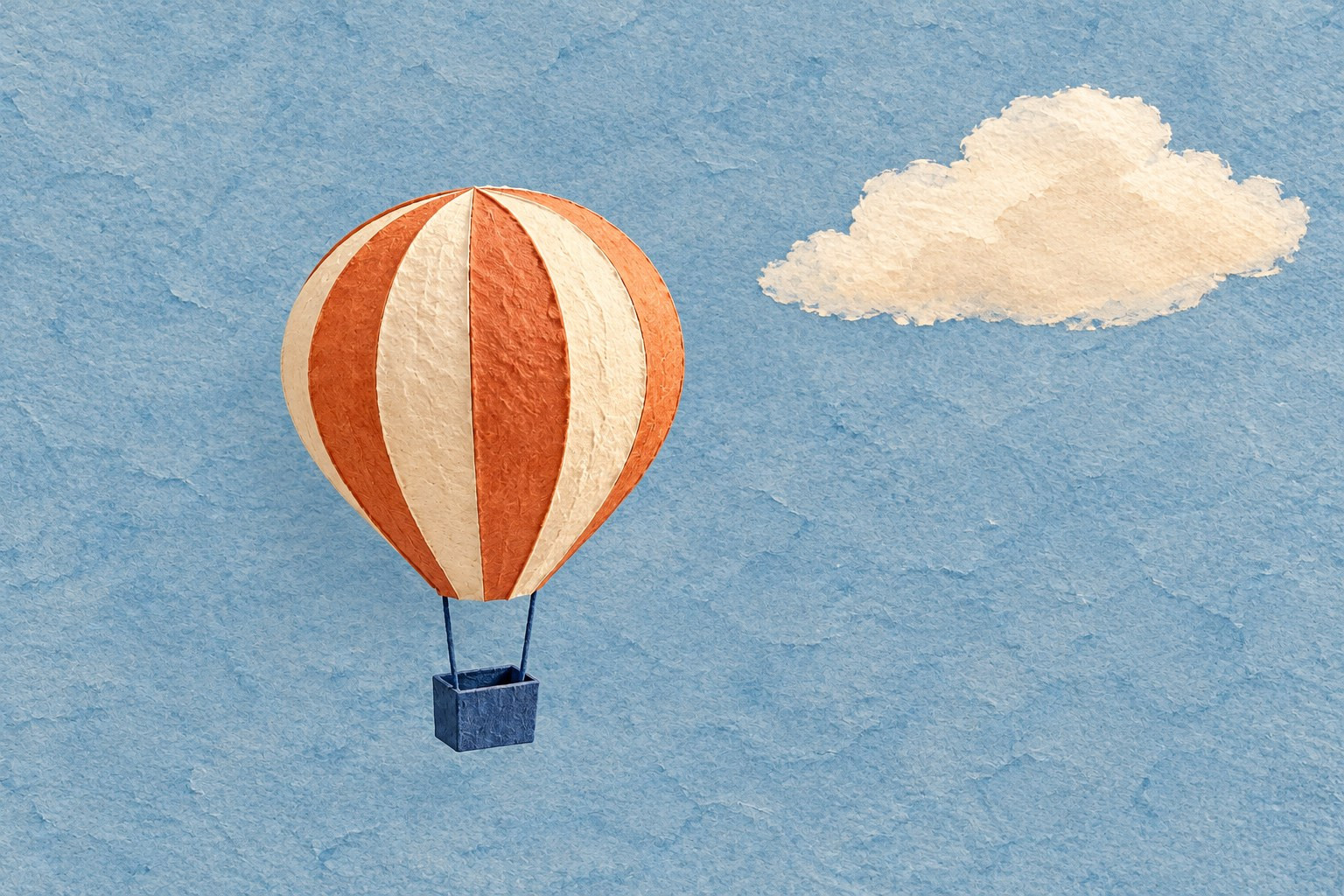 The proposed study: a small upward drift, with the balloon’s paper character and the cloud preserved. This is original teaching artwork, not a video result.
Give the study a small folder with a name you can recognize later, such as paper-balloon-v01. Keep the original artwork there as well as any prepared inputs. Record who made it, where it came from and what permission you have to edit or share it. “Found online” is not a useful rights record.
The proposed study: a small upward drift, with the balloon’s paper character and the cloud preserved. This is original teaching artwork, not a video result.
Give the study a small folder with a name you can recognize later, such as paper-balloon-v01. Keep the original artwork there as well as any prepared inputs. Record who made it, where it came from and what permission you have to edit or share it. “Found online” is not a useful rights record.
If you alter the artwork, retain the untouched original. The working copy tells you what you supplied to the generator; the original lets you revisit the composition without treating an edited image as your only source.
Keep the source pair in order Prepare two separate compatible images before generation. In the first, the balloon sits lower. In the last, the whole balloon assembly is slightly higher and farther left. Preserve its size, stripe arrangement, basket and cord lengths, together with the cloud, background texture, camera and lighting.
Choose an aspect ratio the tool supports, then compose both final input files to match it. Leave enough room around the balloon for the intended movement. Do not assume an attractive illustration or comparison board already has the right input dimensions.
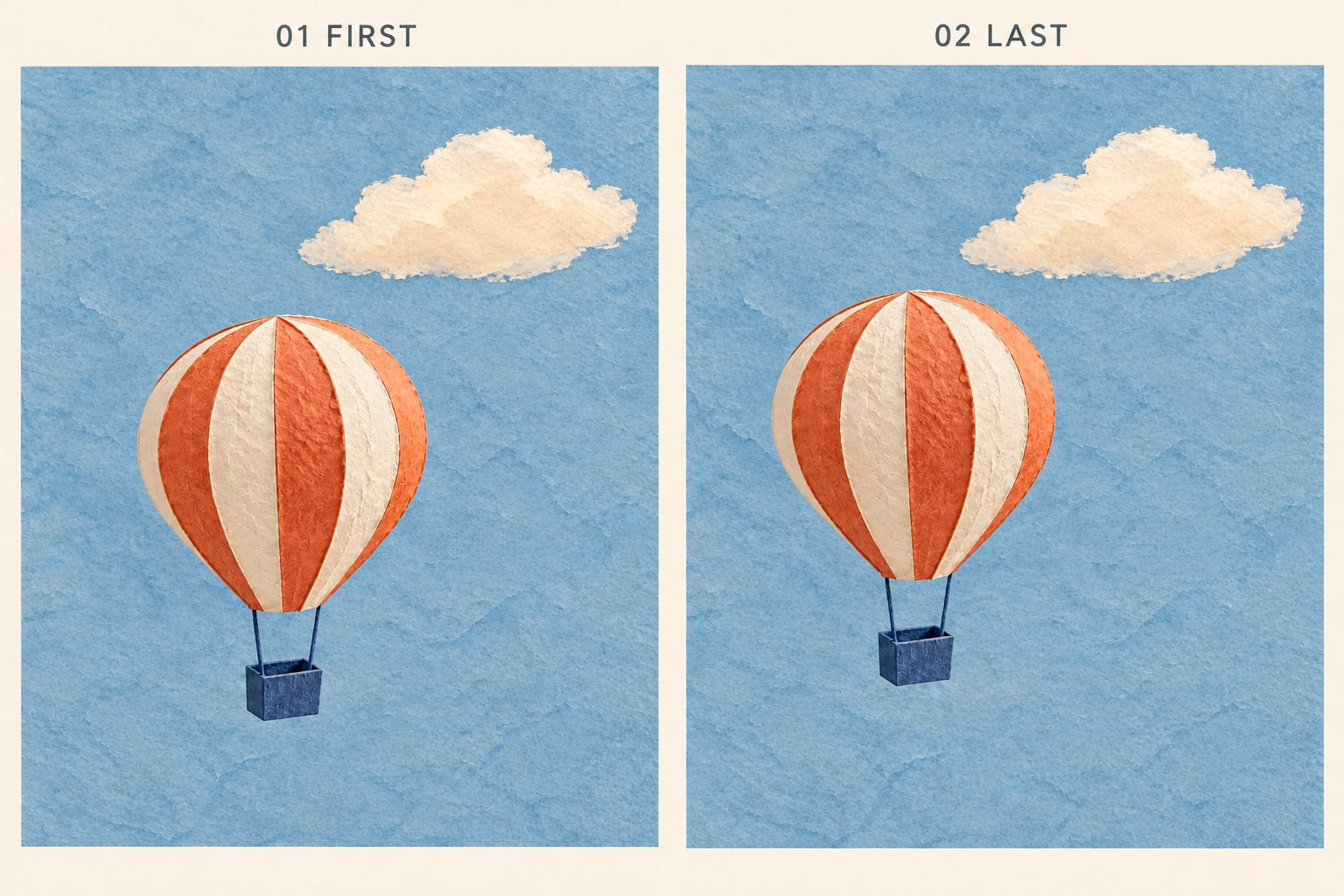
Keep the source sequence explicit. The small rise includes a leftward drift; this illustrative board is not the pair of files to upload.
Use an explicit sequence in the filenames—for example, 01-first-v01.png and 02-last-v01.png—and write the same order in your note. These are suggested example names, not supplied input files. Upload the individual pictures without headings, borders or annotations.
If you prepare another version later, give the new pair its own version number. Keep the prompt and any selected output associated with the pair you actually used. Otherwise, a note can look complete while quietly pointing to the wrong ingredients.
Record what you actually submit Tool suggestion: OpenMaker is one option for the optional animation in this example.
OpenMaker provides a free first-and-last-frame route: upload the two images in order, describe the motion, choose the ratio, then generate and preview. Its page advertises five-second, 480p output with zero credits and no signup required. OpenMaker also presents its named free H3 workflow as an option powered by MiniMax H3, with unlimited generations that may queue. These are its published service descriptions, rather than results measured for this study.
For the balloon, a proposed prompt is:
The paper balloon rises slowly a small distance toward the upper left, ending at the supplied last position. Move the envelope, two cords and basket together. Preserve their shapes and relative spacing. Keep the cream cloud, blue paper background, lighting and camera fixed. No new objects or lettering.
Save proposed prompts as proposed. After a real attempt, replace or supplement that wording with the exact text you submitted, including any last-minute edits. Record the date, the route or model label shown and the aspect ratio you chose. Put the published specification in a separate field from any properties you later observe in a downloaded file.
If you download and choose a result, record its actual filename and why you kept it. A useful reason is specific: which movement, composition or material detail survived? Write only what you genuinely observed. If nothing has been generated or selected, say so; there is no need to invent an output to finish the note.
Use a record that works even before generation A plain text or Markdown note can travel with the image files. Here is a short starting version for this hypothetical study:
Study: Paper balloon, version 01. Status: Planned; no video generated. Intent: A small upward-left drift; cloud and camera fixed. Sources and rights: Record the actual original artwork and permission before use. Frame order: First position, then last position; add the actual prepared filenames. Prompt: Proposed wording above; not yet submitted. Aspect ratio: Not selected yet; prepare both inputs to match the chosen supported ratio. Specification basis: OpenMaker’s published free form: five seconds, 480p, zero credits; not observed export properties. Dates: Add the actual preparation date; generation date is not applicable yet. Selected export: None. Selection reason: Not applicable. After an attempt, update those fields rather than leaving an old “planned” note beside a real result. Add actual generation and download details only when they exist. You can also retain a short statement of what remains unresolved, such as an unchosen result or a movement that needs another look.
This is enough to explain the study later. It does not need to become a spreadsheet of every discarded idea.
Keep a working set and choose what to share
The local working set and a public article serve different purposes. Keep your original files, prepared pair, prompt note and any genuine selected export together locally, with another copy somewhere you control. Keep useful files themselves, rather than relying entirely on links or a browser’s history.
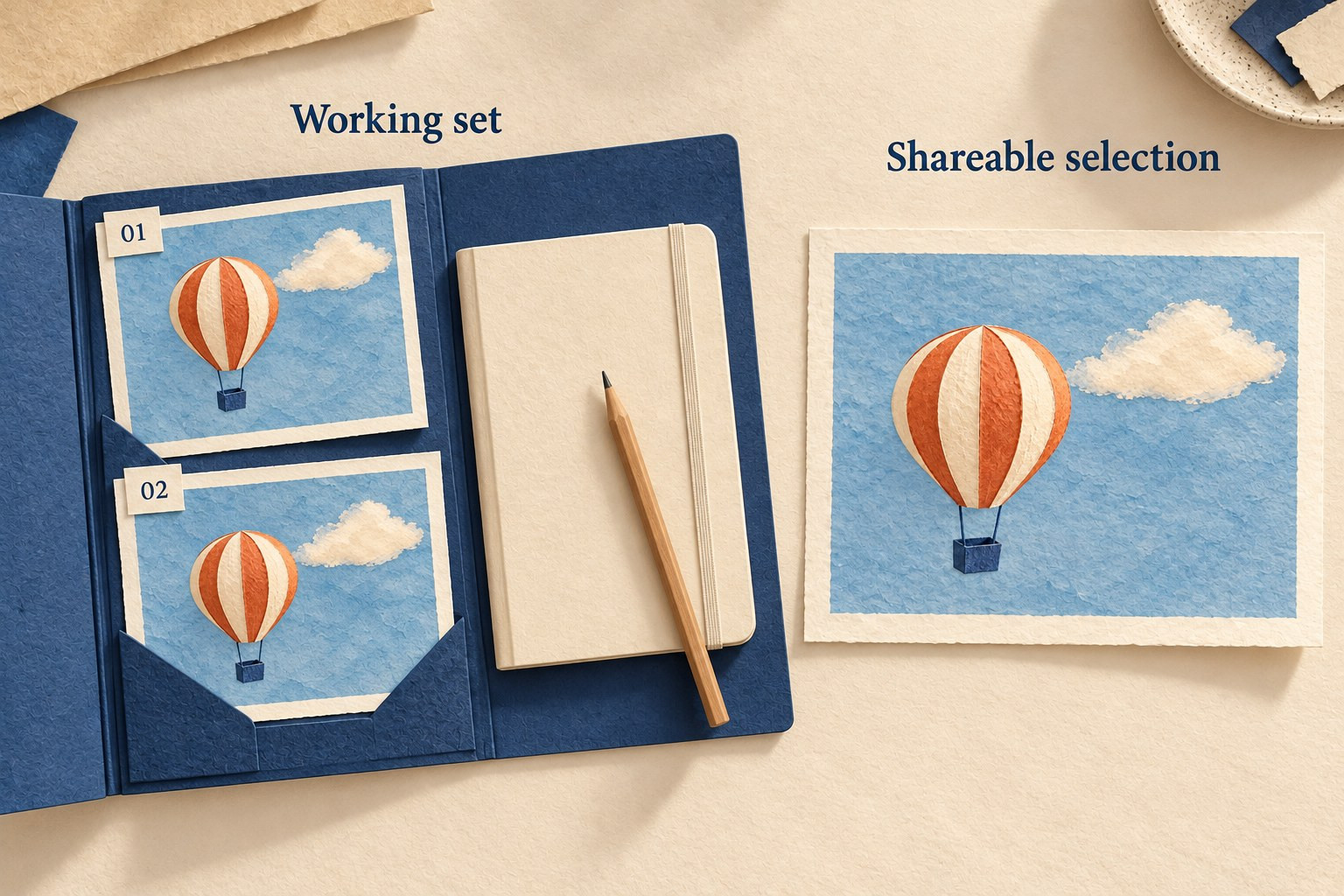
Keep the working set and the shareable selection distinct. The illustrated materials do not represent an existing export or published post.
For a public post, select material you have permission to share and explain the intention in ordinary words. State whether it is a plan, a generated study or a selected result. Exclude credentials, private source material and personal notes that were never meant for publication. A reader should not have to inspect your whole working folder to understand the idea.
The saved recipe gives you a way back to your decisions. It does not promise that a future generation will look identical: the same materials and instructions are a record of the attempt, not a guarantee about a later service or result. Keep any actual export you care about, and let the note explain how it came to be.